
XCloud Mini
$3.65
/moInstant setup. Upgrade or cancel anytime.
1 vCPU
2 GB DDR4
35 GB NVMe
Unlimited
i9-9900KThreadripper 2950XEPYC 7401P
XCloud · VPS Hosting
Deploy a KVM VPS with NVMe Gen4 storage, a 10 Gbit/s redundant network and 12 Tbps Anti-DDoS. Linux or Windows, root access, and provisioning in minutes.
127.71₺ /mo from · VPS
Pick a KVM VDS or VPS with 100% NVMe Gen4 storage, a 10 Gbit/s redundant backbone and fast provisioning.
Intel
High clock speed for sites, control panels and remote desktops that need a fast response per request.
AMD
Several services and mid-size applications running at the same time.
AMD
Databases, APIs and projects with steady traffic.
$3.65
/moInstant setup. Upgrade or cancel anytime.
$5.56
/moInstant setup. Upgrade or cancel anytime.
$8.53
/moInstant setup. Upgrade or cancel anytime.
$9.80
/moInstant setup. Upgrade or cancel anytime.
$10.86
/moInstant setup. Upgrade or cancel anytime.
$14.68
/moInstant setup. Upgrade or cancel anytime.
$37.11
/moInstant setup. Upgrade or cancel anytime.
$45.69
/moInstant setup. Upgrade or cancel anytime.
$57.11
/moInstant setup. Upgrade or cancel anytime.
$74.26
/moInstant setup. Upgrade or cancel anytime.
$99.97
/moInstant setup. Upgrade or cancel anytime.
$114.26
/moInstant setup. Upgrade or cancel anytime.
WeCodex is an AI assistant that works inside your server. You write what you want in plain language; it handles the setup, configuration and file changes, and you review the result.
Pay as you go with WeLAB credit. Open it from the WeLAB AI button on your server's page in the panel.
Pick a server and try itThey are great chat partners. WeCodex turns that chat into real work on your server.
ChatGPT, Claude and Gemini are trademarks of their respective owners. The comparison applies to standard chat use of these tools; their abilities change with extra tools, plugins or MCP connections. WeCodex also runs on powerful AI models; the difference is not the model but that it can do the work on your server.
our team can help you decide!
Average 4.9/5 · 94.826 customer reviews
"We moved our store to a KVM VPS. NVMe storage cut page load times roughly in half, and the server was online about ten minutes after checkout."
"Root access, a choice of Linux or Windows, and unmetered traffic in one VPS hosting plan. Support replies were fast when we migrated client sites."
"NVMe VPS hosting dropped our game server latency below 15 ms. DDoS protection is included and the price-to-performance ratio is strong."
XCloud VDS / VPS
High-clock CPUs, NVMe Gen4 storage and Weridata Shield DDoS keep busy workloads steady.
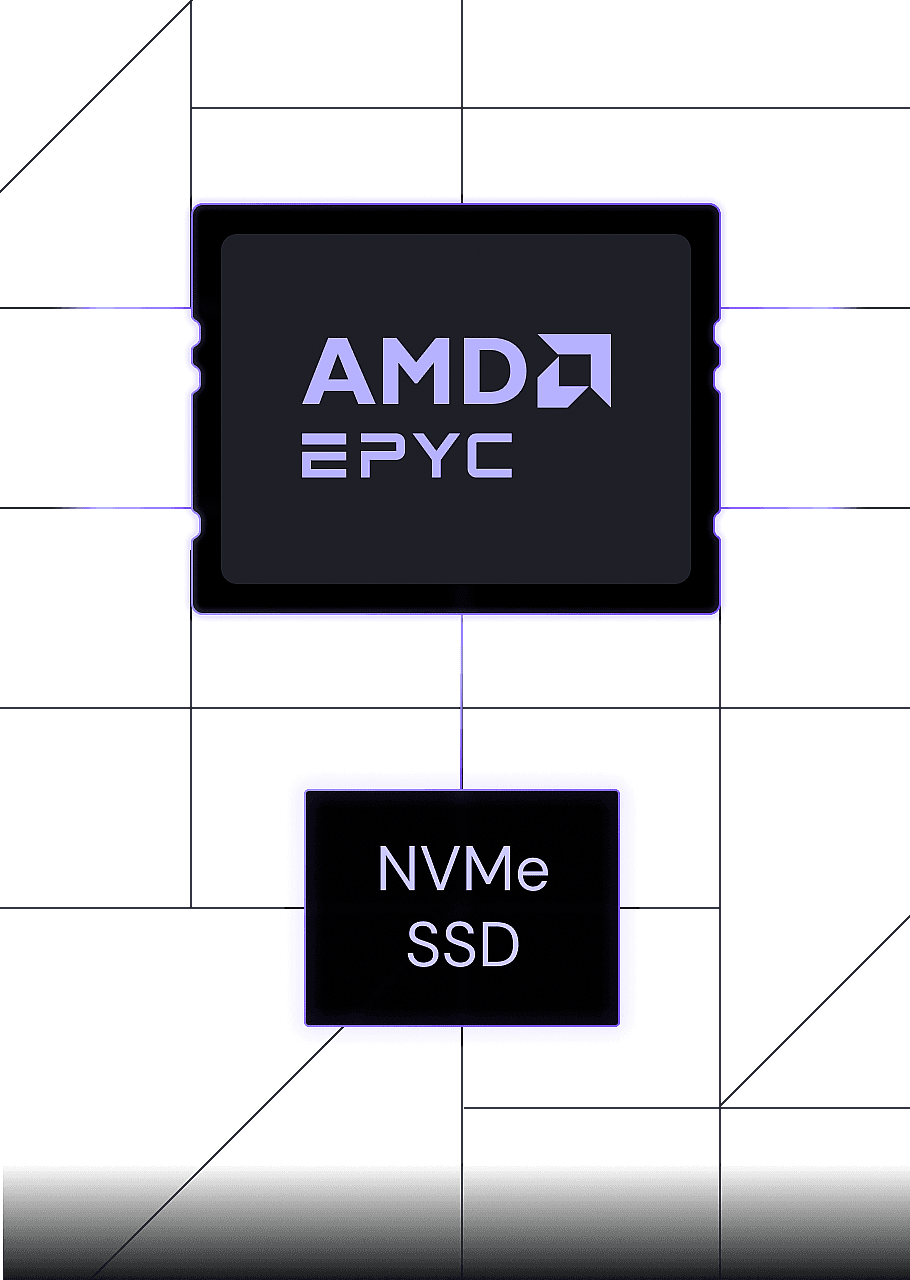
Pick the CPU for single-request speed or heavy APIs. KVM keeps resources isolated to your VDS / VPS.
Redundant fibre on the WeLAB backbone with unlimited traffic. Low latency, strong egress.
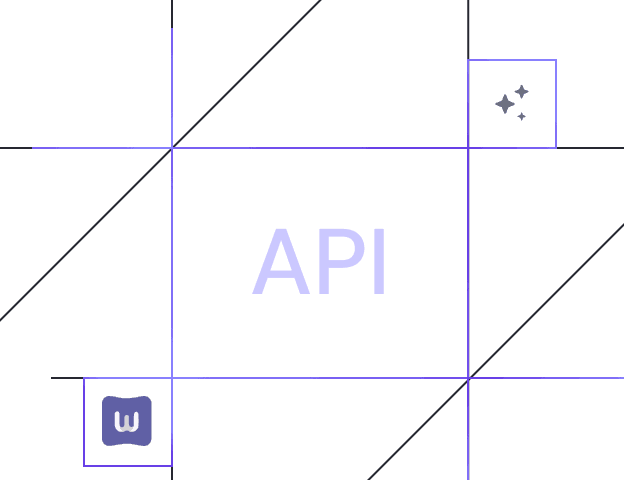
Reinstall, snapshot and upgrade from the panel — or wire the same actions into your API workflows.
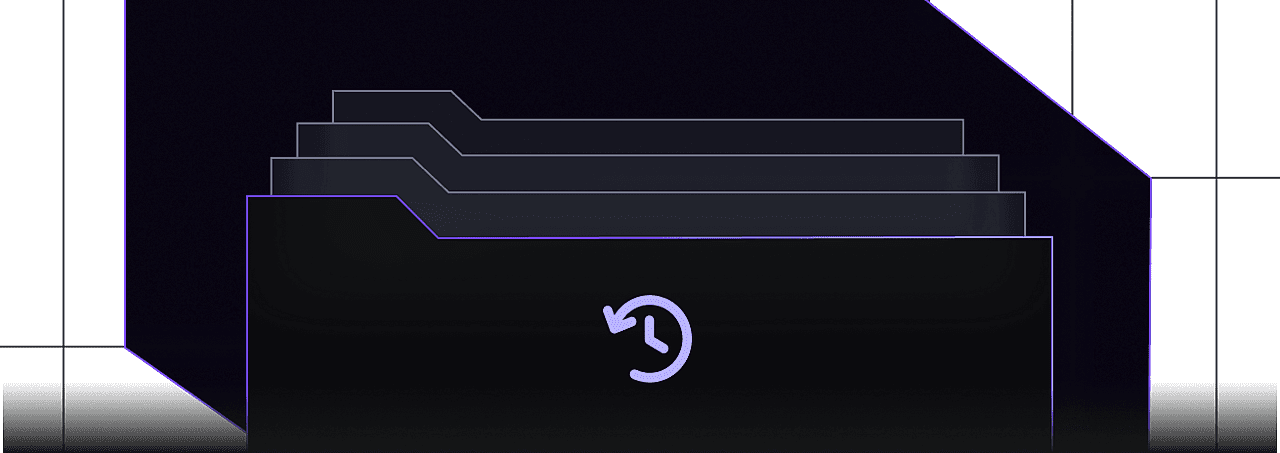
Capture a snapshot before critical updates. Off-site copies are available with WeBackup.
Connect with low latency from anywhere via our data centres across Europe, North America, Asia and the Middle East. Pick the closest region to your audience and launch your VDS / VPS on our global backbone.
View plans
Install popular Linux operating systems, control panels and apps on your VDS / VPS. Start in minutes with one-click deployment.
 n8n
 Docker
 Django
 Nextcloud
 Forex
Choose a plan, pick an OS and go live in minutes. Upgrade resources whenever you need to.
From AI workloads to web apps and ecommerce, size VDS / VPS CPU, RAM and NVMe to what you are building or testing.
Chatbots, agents and AI-powered apps with NVMe storage, generous RAM and full root access.
View plansRun panels, APIs and custom stacks on isolated KVM with high-clock CPUs for snappy responses.
Deploy n8n, Nextcloud, Docker and similar tools in one click, then manage them on your own terms.
Keep shops and business sites online during campaigns with Shield DDoS protection.
Weridata VPS hosting is a KVM virtual private server on XCloud: isolated CPU and memory, NVMe Gen4 storage, Linux or Windows, unmetered traffic, root access, Anti-DDoS and a free migration. Plans run on Intel Core i9-9900K, AMD Ryzen Threadripper 2950X or AMD EPYC 7401P. Start with the resources you need and upgrade as the project grows.
XCloud does not place virtual servers on a low-clock shared CPU pool. Each plan is delivered on an Intel Core i9-9900K, AMD Ryzen Threadripper 2950X or AMD EPYC 7401P, with KVM isolation, DDR4 memory and NVMe disk. The useful difference is clock speed and sustained load, not a vanity vCPU count.
High clock speed for websites, control panels and remote desktops.
Many services and mid-size applications at the same time.
Databases, APIs and projects with continuous traffic.
Layer 3 and Layer 4 filtering is standard on every VPS plan.
The technical team helps move an existing site or VPS.
Network availability is the focus of the service target.
After payment, automation installs the OS and sends access details.
Start small and add CPU, RAM or NVMe as traffic grows.
The VPS is provisioned automatically and credentials land in the panel.
KVM keeps neighbouring workloads off your CPU and memory allocation.
A virtual private server is a KVM virtual machine with allocated CPU, RAM, disk and a public IP. Shared hosting shares those resources and locks you into a panel. A VPS gives you root or RDP, your own IP and control over the software stack. To compare a VPS with a full machine, see VPS vs dedicated.
Every XCloud plan can boot Linux or Windows Server. Ubuntu, Debian, AlmaLinux and Rocky Linux do not add a license fee. Windows Server licensing is added during checkout and is accessed over RDP. Use Windows for remote desktop and Windows-only applications. Use Linux for web apps, APIs, Docker and a lower monthly cost.
The best VPS is not the cheapest plan; it is the plan that offers KVM isolation, NVMe disk and Anti-DDoS on an Intel Core i9-9900K, AMD Ryzen Threadripper 2950X or AMD EPYC 7401P. A small business site can start with one or two vCPUs. WooCommerce, APIs and control panels need more memory and NVMe. Choose Windows for RDP and accounting software, Linux for web, Docker and cost-focused workloads. If you are unsure, start from the plan table above and upgrade later.
| Feature | Web hosting | VPS | Dedicated |
|---|---|---|---|
| Resource isolation | Shared CPU and RAM | Allocated through KVM | 100% physical hardware |
| Root / administration | Limited panel | Full root or RDP | Root plus IPMI/iDRAC |
| Disk performance | Shared SSD | NVMe SSD as standard | Enterprise NVMe/SAS |
| Scalability | Plan changes are limited | Upgrade in place | Hardware change or another server |
| Best suited to | Small sites and blogs | Stores, SaaS, APIs and panels | Heavy traffic, gaming, enterprise |
| Processor | Shared, low-clock CPU | i9-9900K, Threadripper 2950X, EPYC 7401P | A physical CPU reserved for you |
For a deeper comparison, read VPS vs dedicated.
NVMe SSD delivers several times the IOPS of a SATA SSD. MySQL, PostgreSQL, WooCommerce and heavy file operations respond noticeably faster. NVMe storage is standard on every Weridata XCloud plan at no extra charge.
In everyday use VPS and VDS often mean the same thing. What actually matters is resource isolation and the quality of the disk and CPU. Weridata XCloud plans pair KVM isolation with NVMe storage for a more stable VPS hosting experience than shared hosting can offer.
Growing business sites, WooCommerce stores, agencies, Discord and game panels, API and microservice projects, CI/CD test environments and developers who want root access. If shared hosting keeps hitting its CPU or RAM ceiling, moving to a VPS is a gain in both performance and security.
Lower latency improves Core Web Vitals, especially TTFB, and helps with data locality. In e-commerce and SaaS projects delay affects conversion and search signals directly.
Company sites, agency work and custom software with root access and a controlled stack.
Stable performance through cart, checkout and catalogue load, with fast NVMe database response.
Isolated, scalable servers for Node.js, PHP, Python, Docker and staging environments.
VPS hosting prices depend on the number of CPU cores, the amount of RAM, NVMe disk capacity and the operating system — Linux is included, Windows adds a license. Compare the XCloud plans on this page to find the option that fits your budget, and take advantage of the discount on longer billing terms. The current entry price is shown in the plan table.
NVMe storage, free Anti-DDoS and a free migration. Pick a plan above and go live shortly after checkout.
See plansWeLAB AI answers status questions from the panel and MCP, guides setup steps and reduces routine support load.
Pricing, NVMe, Ryzen VDS, Linux and Windows, and which plan to choose.
Weridata VPS hosting starts at the current entry price shown in the plan table on this page. The monthly amount depends on vCPU, RAM, NVMe disk and operating system. Linux images are included; Windows Server adds a license. Longer billing terms lower the monthly rate.
A virtual private server (VPS) is a KVM virtual machine with its own CPU, RAM, NVMe disk and IP on shared physical hardware. Unlike shared hosting, you get root or RDP access and isolated resources, so neighbouring servers do not consume your allocation.
Vendors use both names. On Weridata, VPS hosting and VDS plans run on the same XCloud KVM platform: dedicated vCPU and memory, NVMe storage, unlimited traffic and Anti-DDoS. You are not buying a different product line under a different URL.
Choose a plan, pick Linux or Windows, and complete payment. Automation usually finishes provisioning within minutes. The IP address and credentials are delivered to your email and the customer panel.
Yes. Select Windows Server during checkout. The server is deployed with RDP access and the Windows license is added at order time. Linux options such as Ubuntu, Debian, AlmaLinux and Rocky Linux are available without a license fee.
XCloud plans run on Intel Core i9-9900K, AMD Ryzen Threadripper 2950X or AMD EPYC 7401P. The i9-9900K favours high clock speed. Threadripper 2950X fits many services at once. EPYC 7401P fits databases, APIs and steady traffic.
Yes. Every VPS plan includes hardware Anti-DDoS at no extra charge, covering common Layer 3 and Layer 4 attacks, so the service can stay online during volumetric floods.
VPS plans are delivered with unmetered traffic on a high port speed. There is no fair-use traffic quota on these packages.
Yes. After you order, the technical team can help move an existing hosting account or VPS. Open a ticket for DNS, files and databases. The first migration is included.
A small business site can start on the entry CPU and RAM. WooCommerce, APIs and control panels need more memory and NVMe. If you need a full physical machine, move to a dedicated server. Sales can match a plan to the workload.
Choose CPU, memory and NVMe disk, place the order, and start using the server shortly after payment. The sales team can help you size the plan.